Changing Your Username for Access to Plesk
Customers do not have the ability to change their user account login name in the Plesk GUI. To change your user account login name, contact your provider.
Changing Your Password for Access to Plesk
To change your password in Plesk panel, follow these steps.
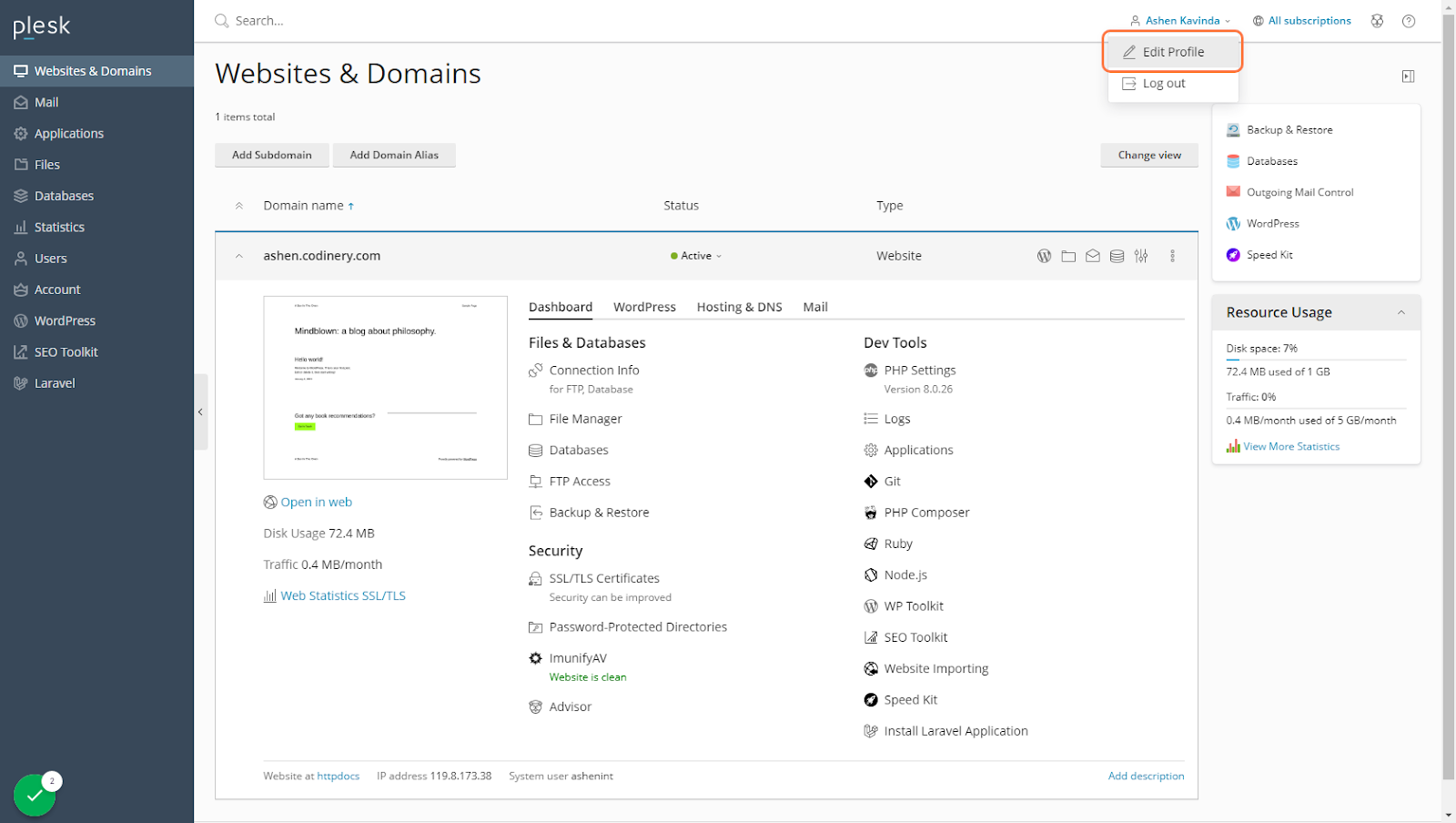
Step 1: Go to Websites & Domains and click on your username
.png)
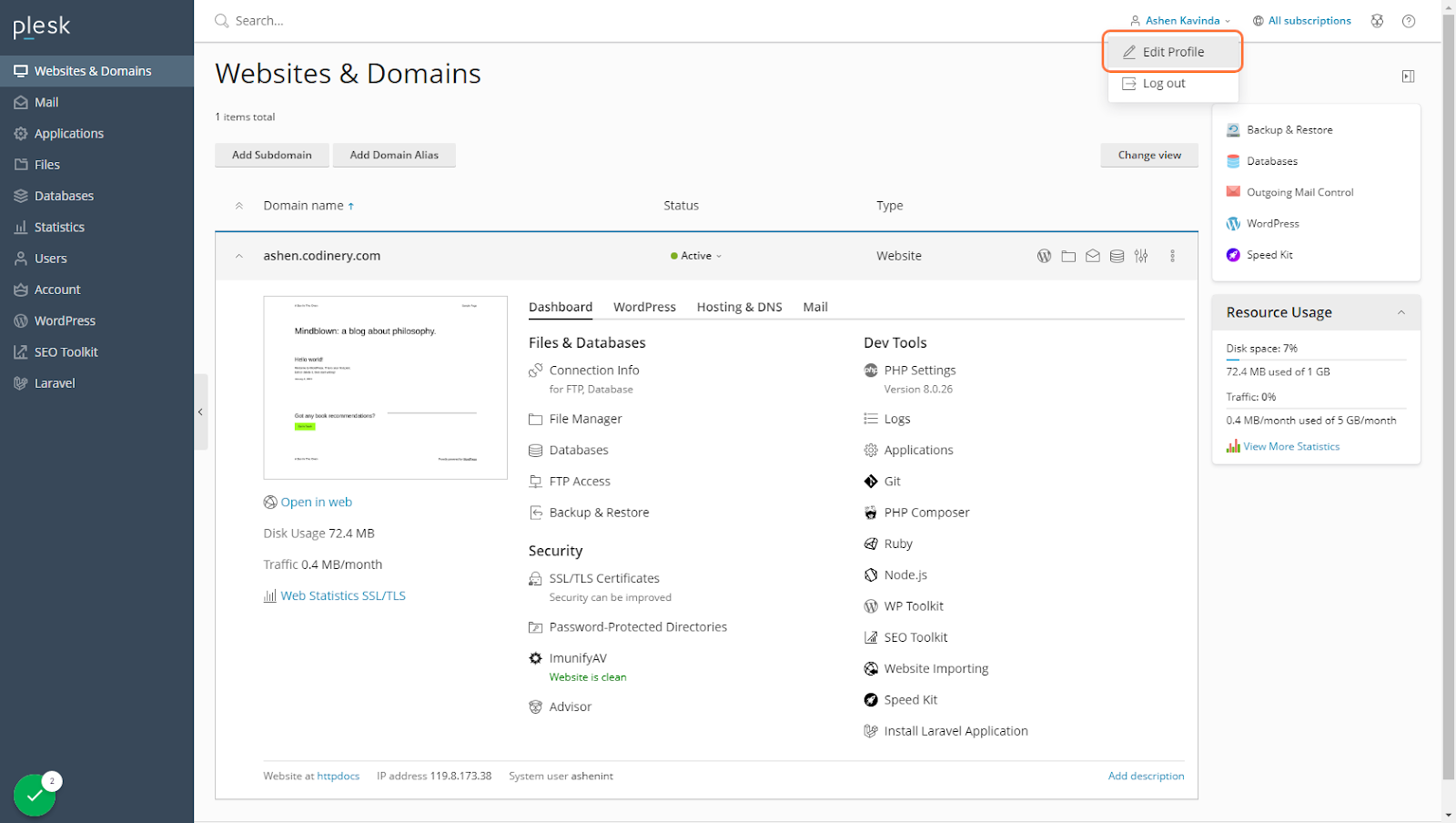
Step 2: Click on Edit Profile
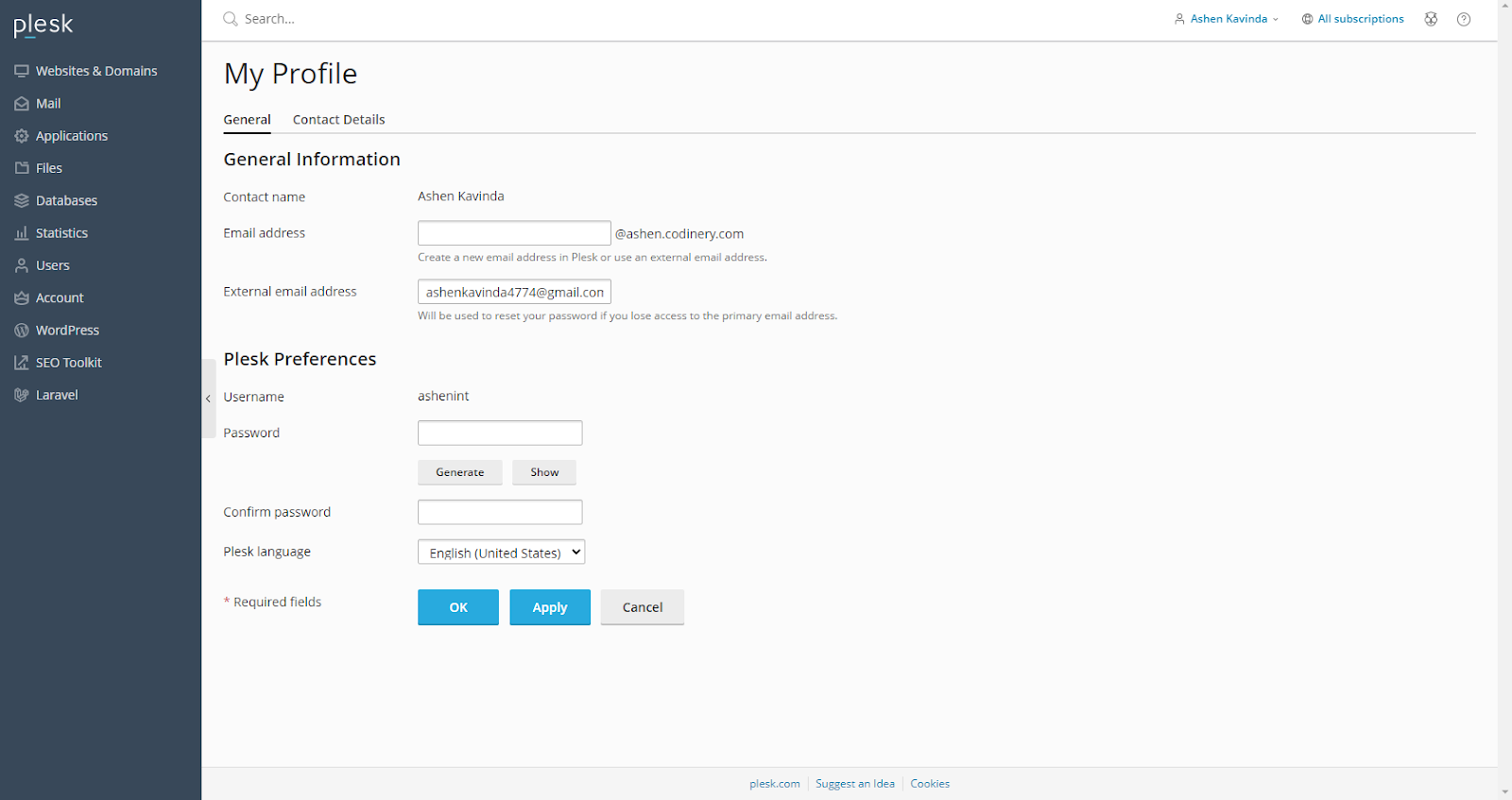
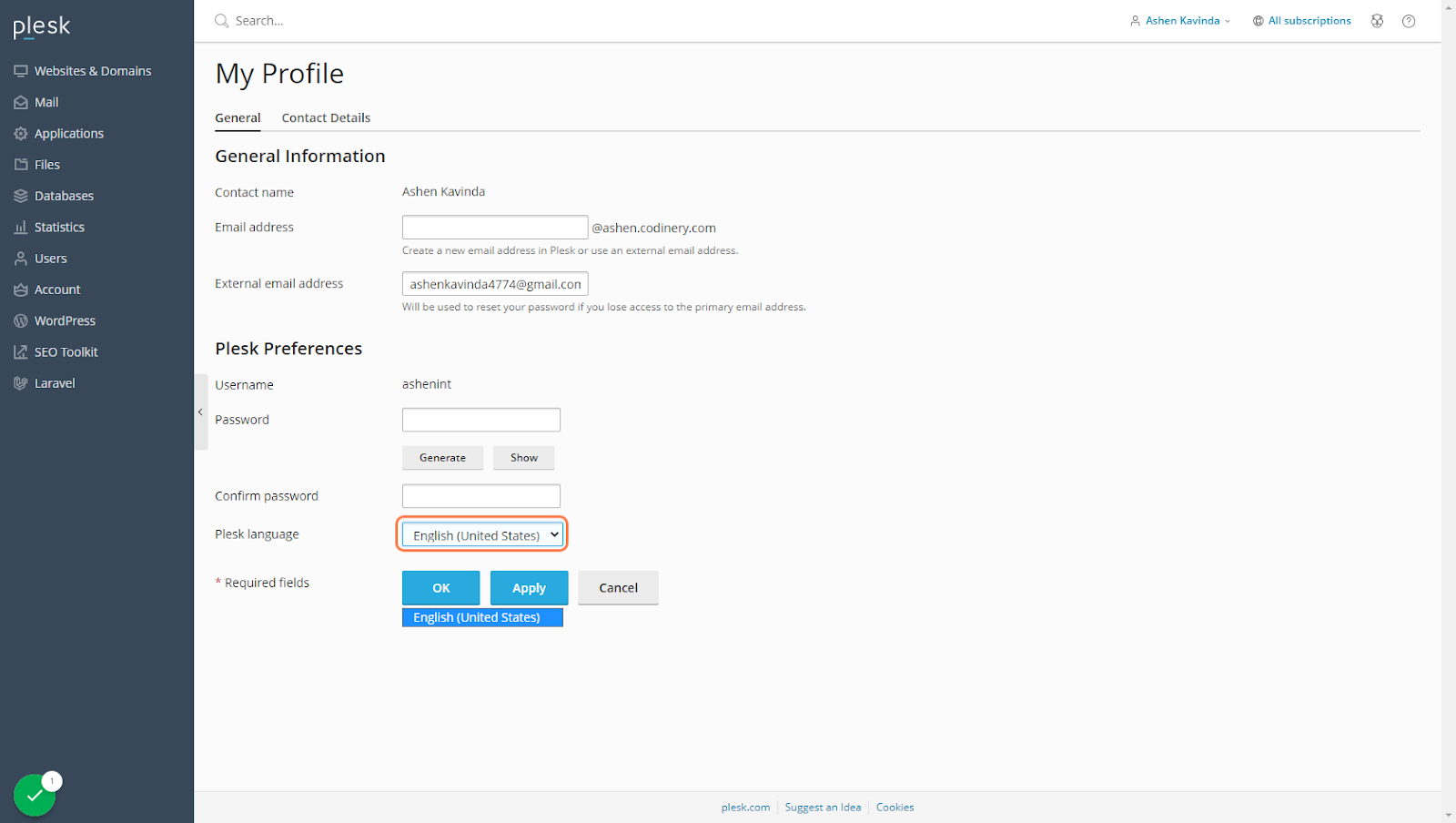
Step 3: Change your password
Changing Your Interface Language
To change language in Plesk panel follow these steps
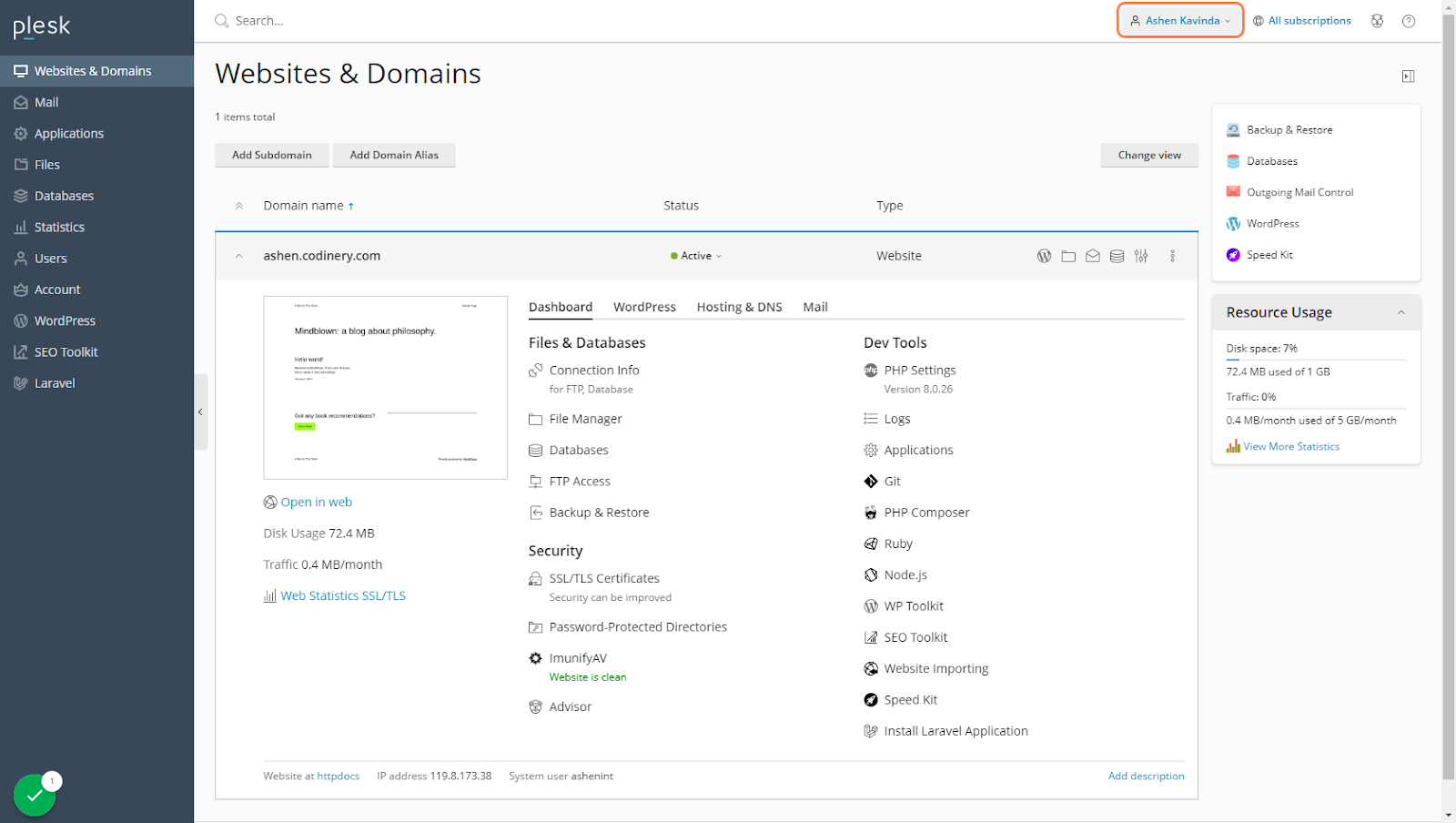
Step 1: Go to Websites & Domains and click on your username
Step 2: Click on Edit Profile
Step 3 : Go to My Profile and select a language
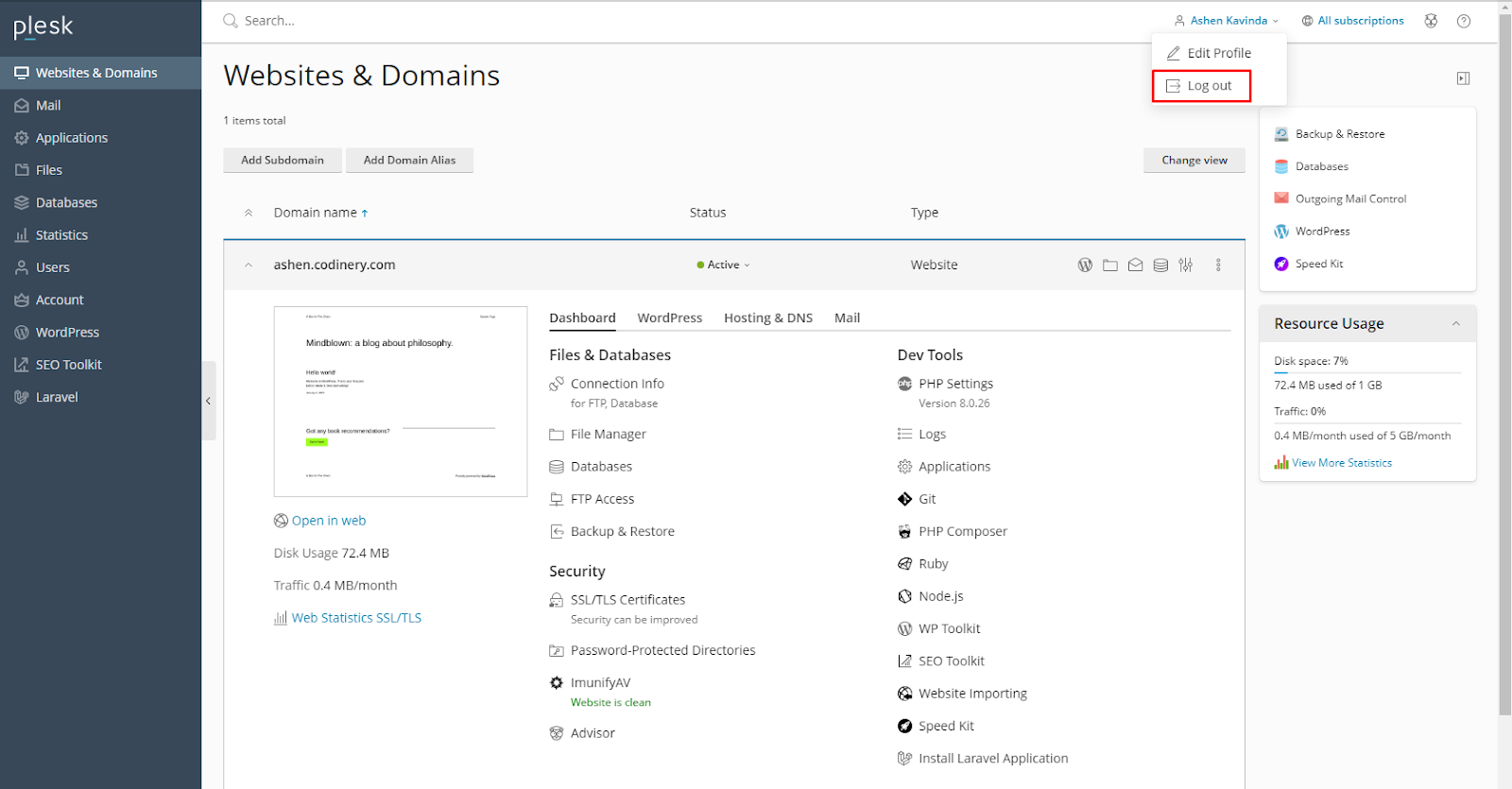
Logging Out of Plesk
To log out of Plesk, place the mouse pointer over your username located at the top of the page, and click Log out