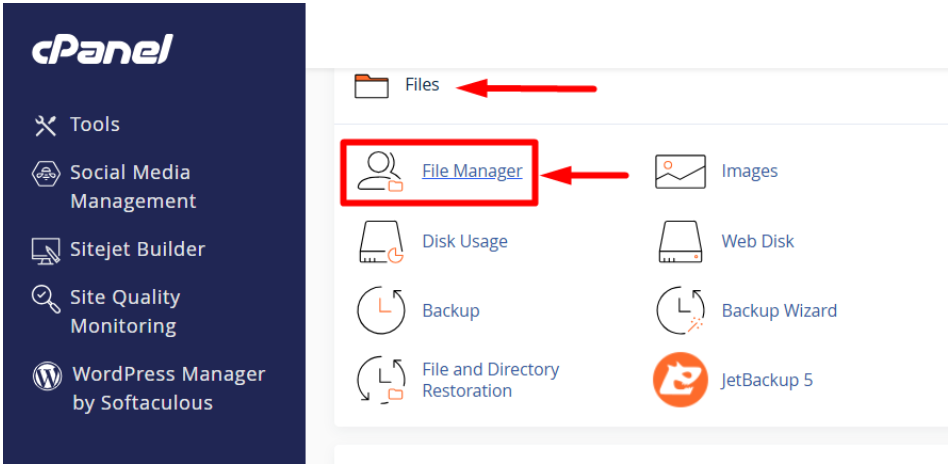
How to show hidden files and change file permissions in cPanel 1. Go to File Manager 2. In the File Manager, click the “Settings” button at the top-right corner. 3. A pop-up will appear — check the box that says: (Show Hidden Files (dotfiles)) 4. Click Save Now, you’ll see all hidden files like th... Read More How to Enable Force Https Redirect in cPanel NOTE: After the DNS propagation for your domain, the SSL certificate will be issued automatically. Then, enable Force HTTPS Redirect in cPanel to make sure all visitors are redirected to the secure HTTPS version of your website. 1. Go to your cPanel... Read More How to show hidden files and change file permissions in cPanel Step 1: Go to File Manager Step 2: In the File Manager, click the Settings button at the top-right corner Step 3: A pop-up will appear — check the box that says: (Show Hidden Files [dotfiles] ) Step 4: Click Save Now, you’ll see all hidden fil... Read More How to Enable Force Https Redirect in cPanel NOTE: After the DNS propagation for your domain, the SSL certificate will be issued automatically. Then, enable Force HTTPS Redirect in cPanel to make sure all visitors are redirected to the secure HTTPS version of your website Step 1: Go to your cP... Read More How host in a React Project on cPanel Step 1: Build Your React Project • Open your React project folder on your local computer and open powershell. • Run the build command: Step 2: Compress the Build Folder • Go to the build folder in your project directory. • Right-click → Compress/Z... Read More ‹ 1 2 3 4 5 6 ›