Step 1: Login to cPanel
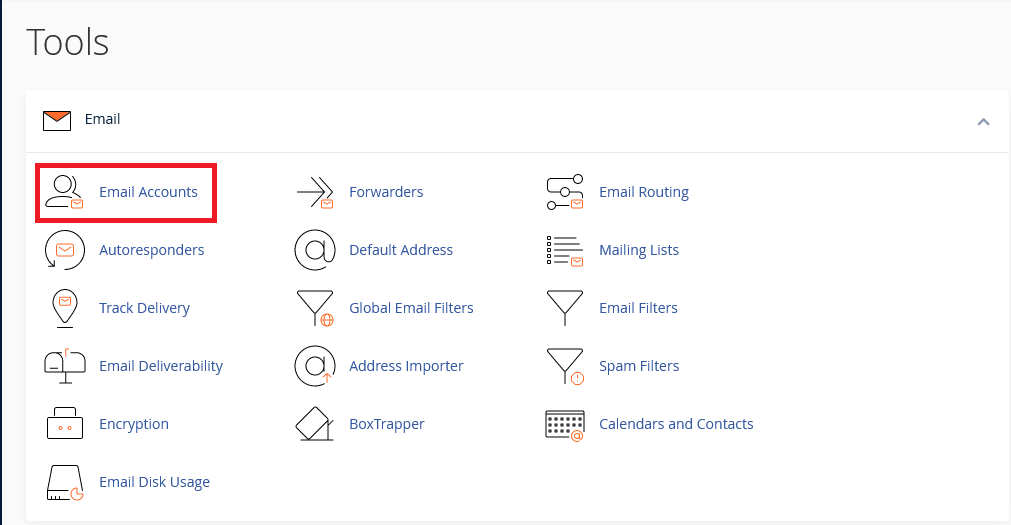
Step 2: Locate Email Account
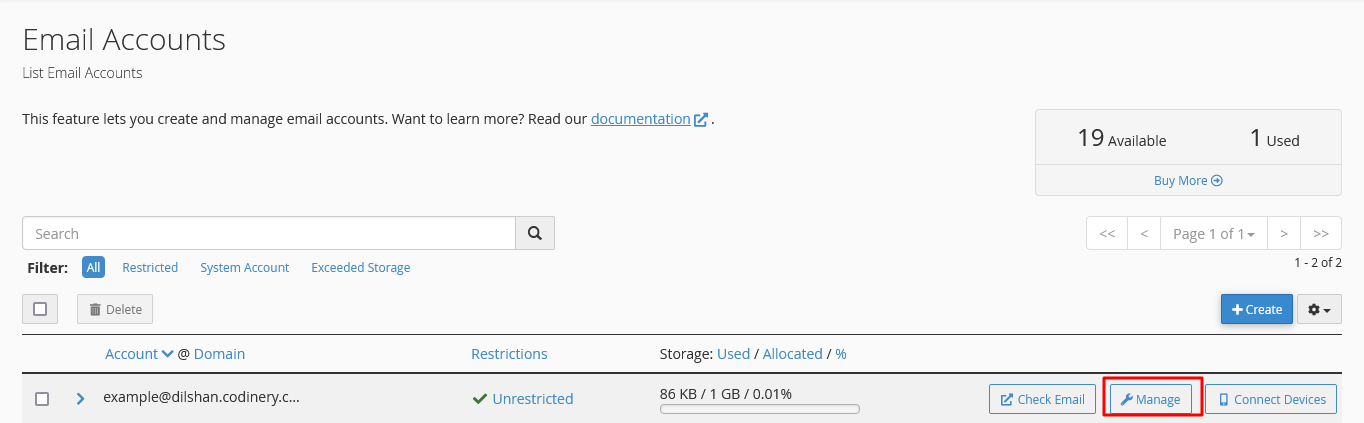
Step 3: Click Manage button
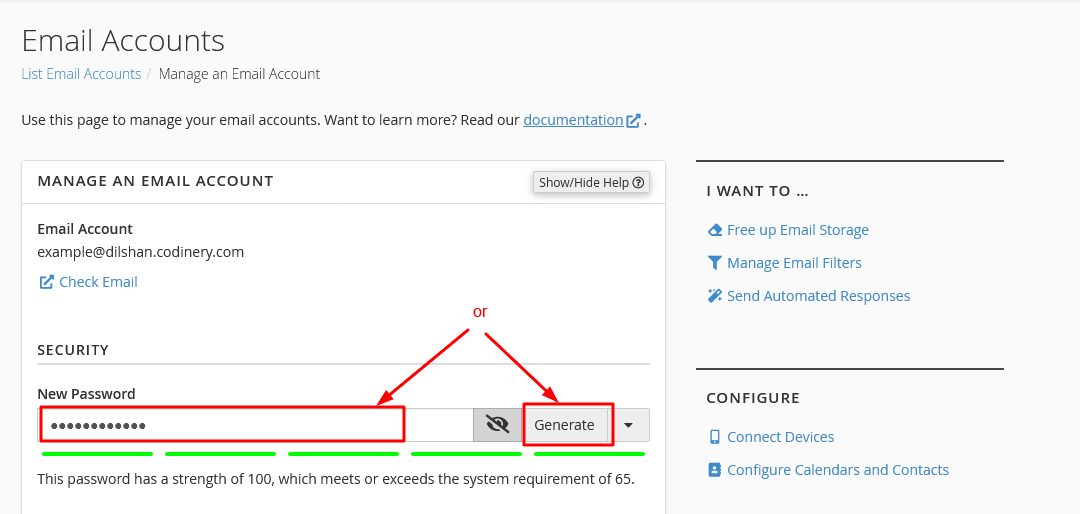
Step 4: Type a new password or click the Create New Password button to create a new password
-
- If you want to create a password from the system itself, you can create it by clicking on the Password Generate button.
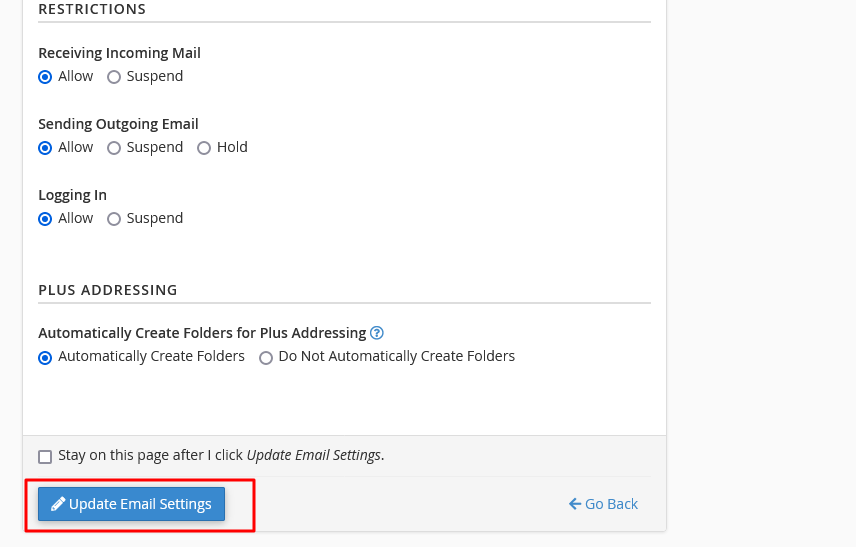
Step 5: Finally click the Update Email Settings button to update your email password