Step 1: Login to cPanel
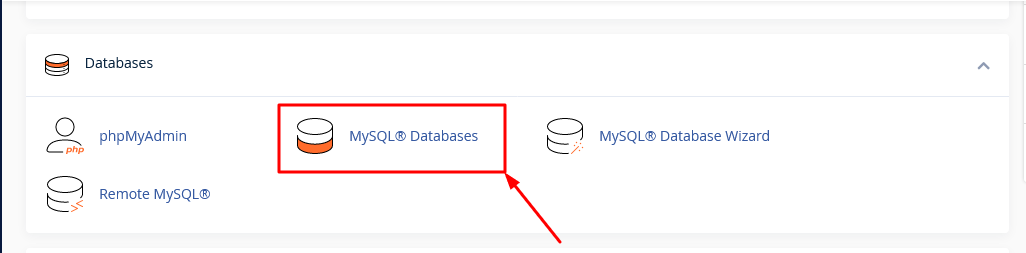
Step 2: Locate MySQL Database
Step 3: Locate My SQL Users -> Current Users
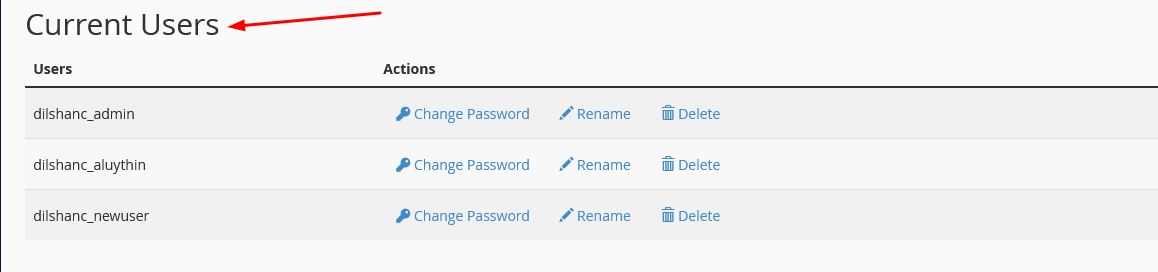
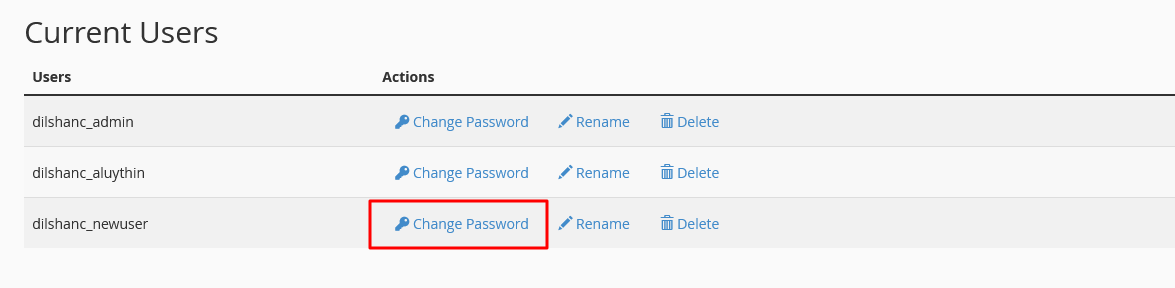
Step 4: Then select the user account you want to change the password and click on the Change Password button
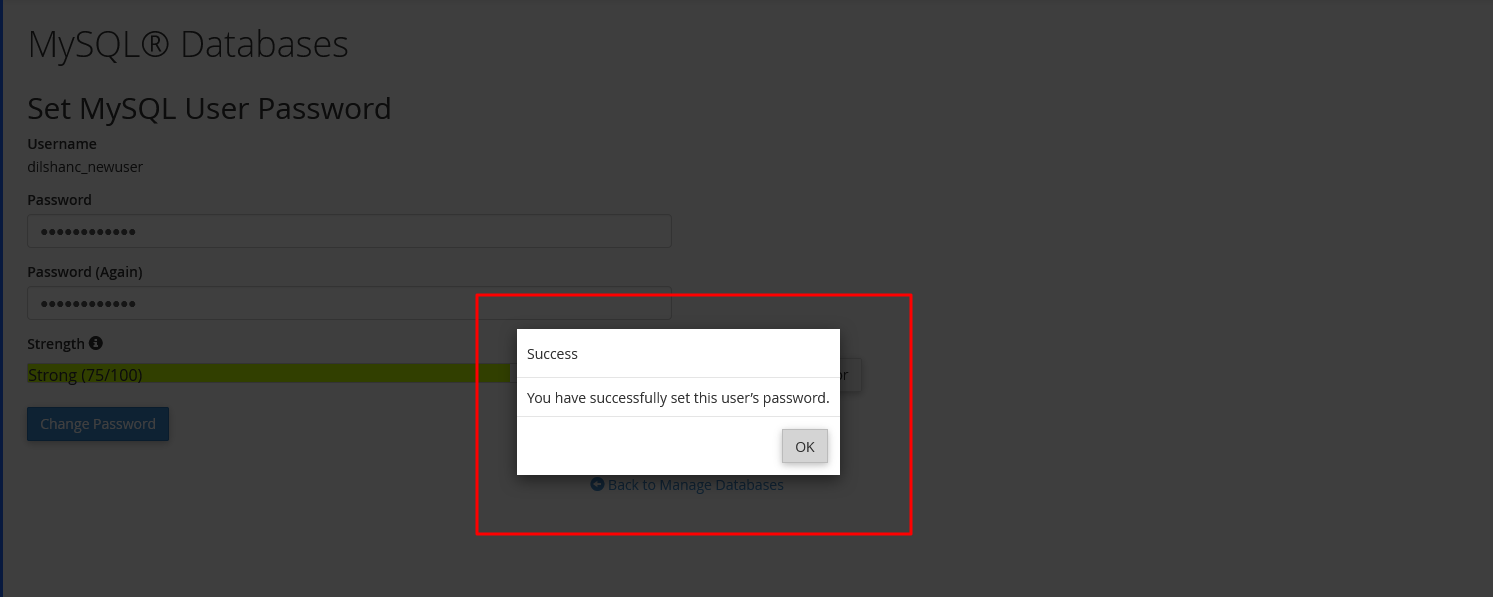
Step 5: After click on Change Password button
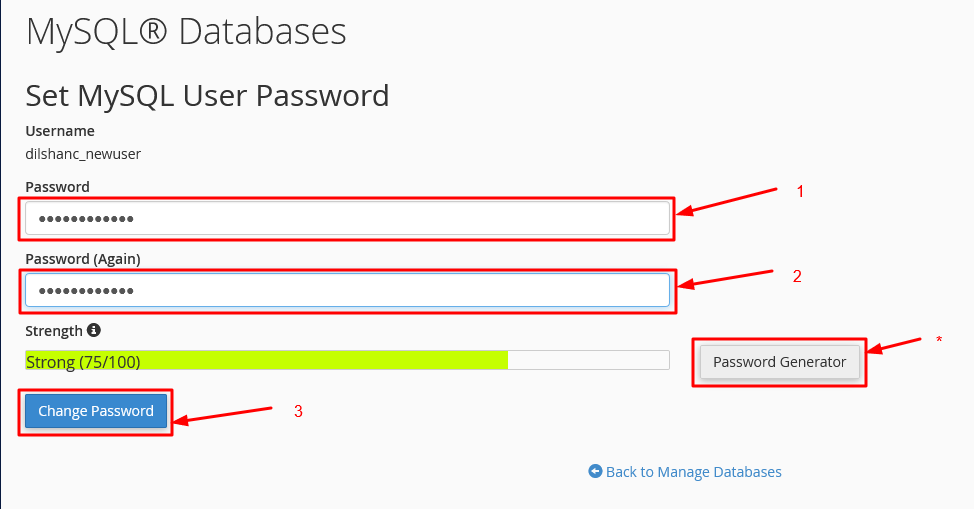
- In the Password section, type the new password.
- In the Password (Again) section, type in the previous password.
- If you want to create a password from the system itself, you can create it by clicking on the Password Generator button.
- You can change a password correctly by clicking on the finally Change Password button.