First, click on the URL below and access the webmail login page
https://email.srilankahosting.lk/
Then follow the steps below in order
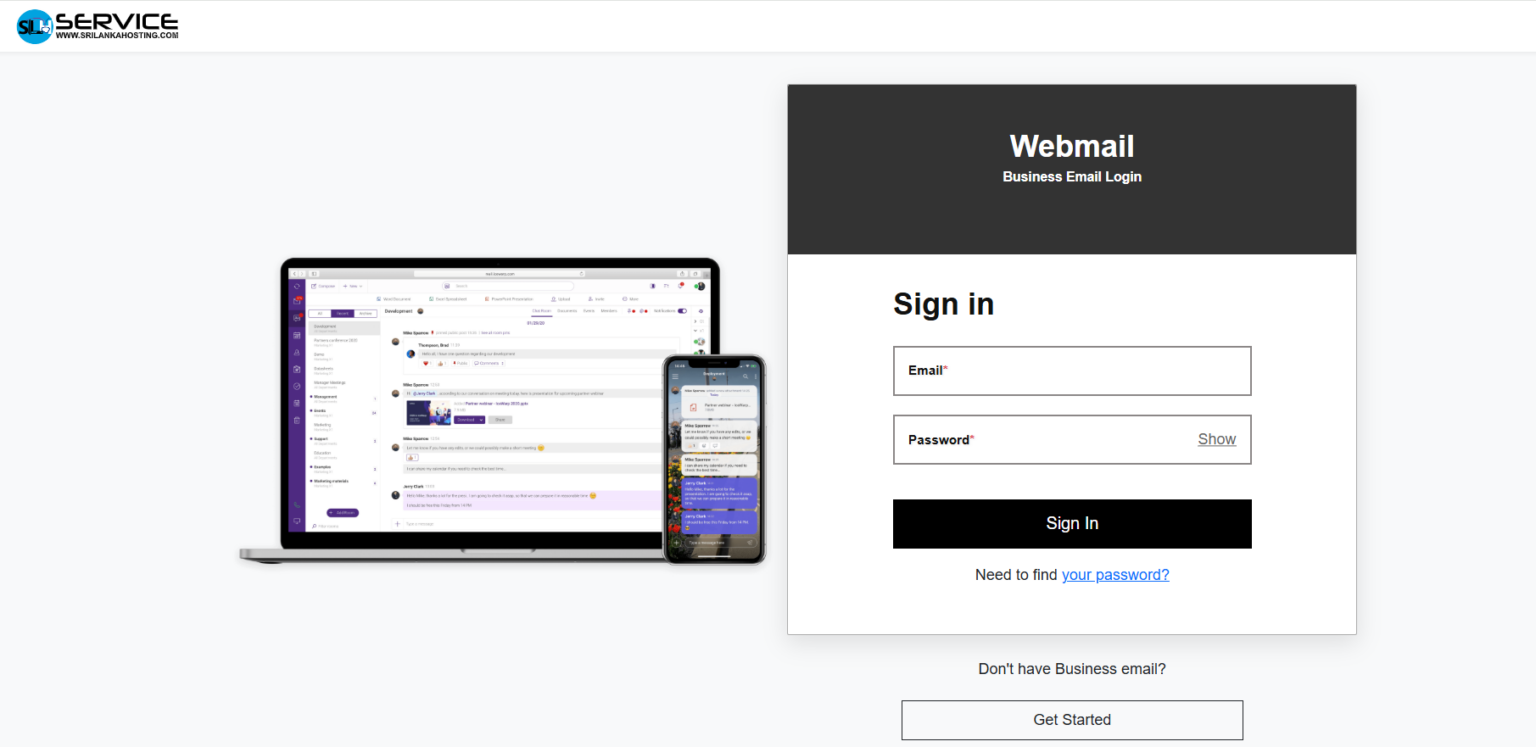
- Enter the username you received from new account information email’s login detail section.
- Enter the password you received from new account information email’s login detail section.
- Next, click the Log in button and log in to your account.
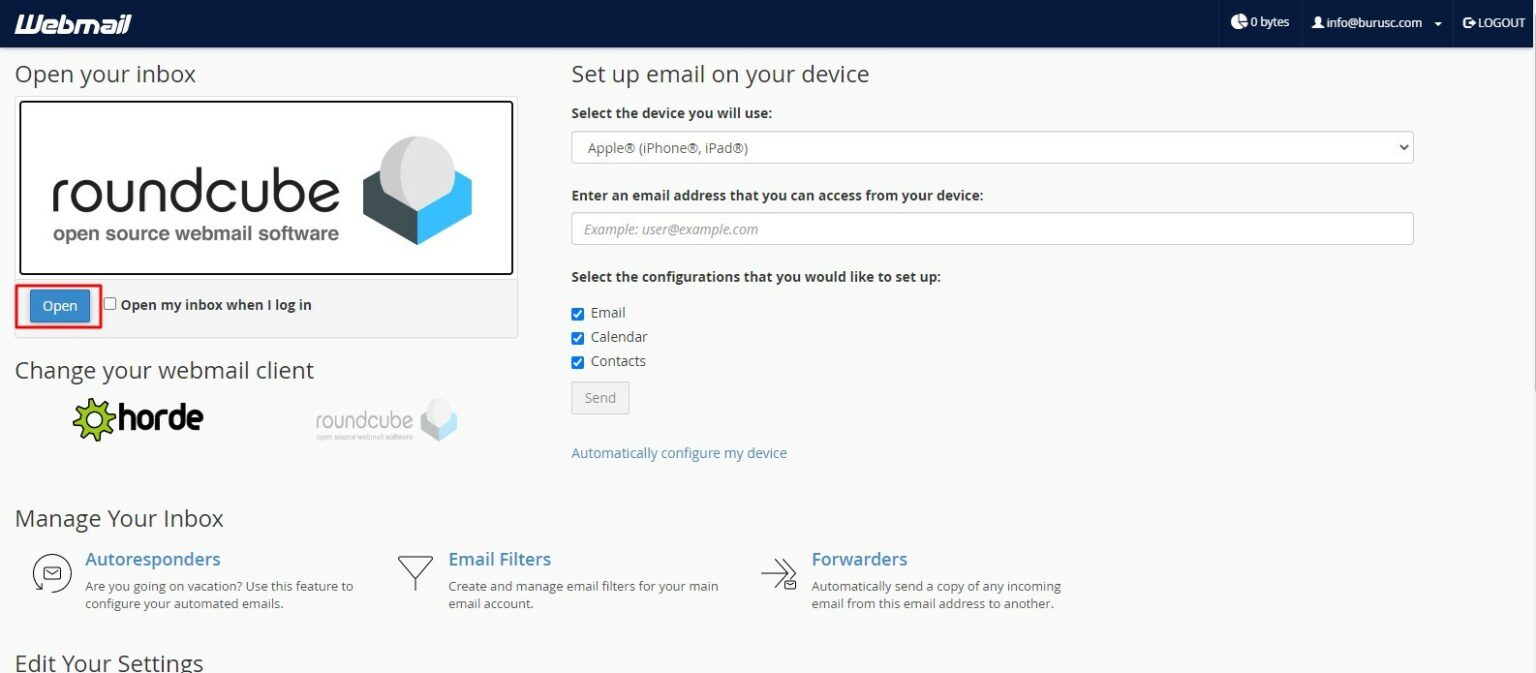
- Next, click the Done button on this interface and continue.
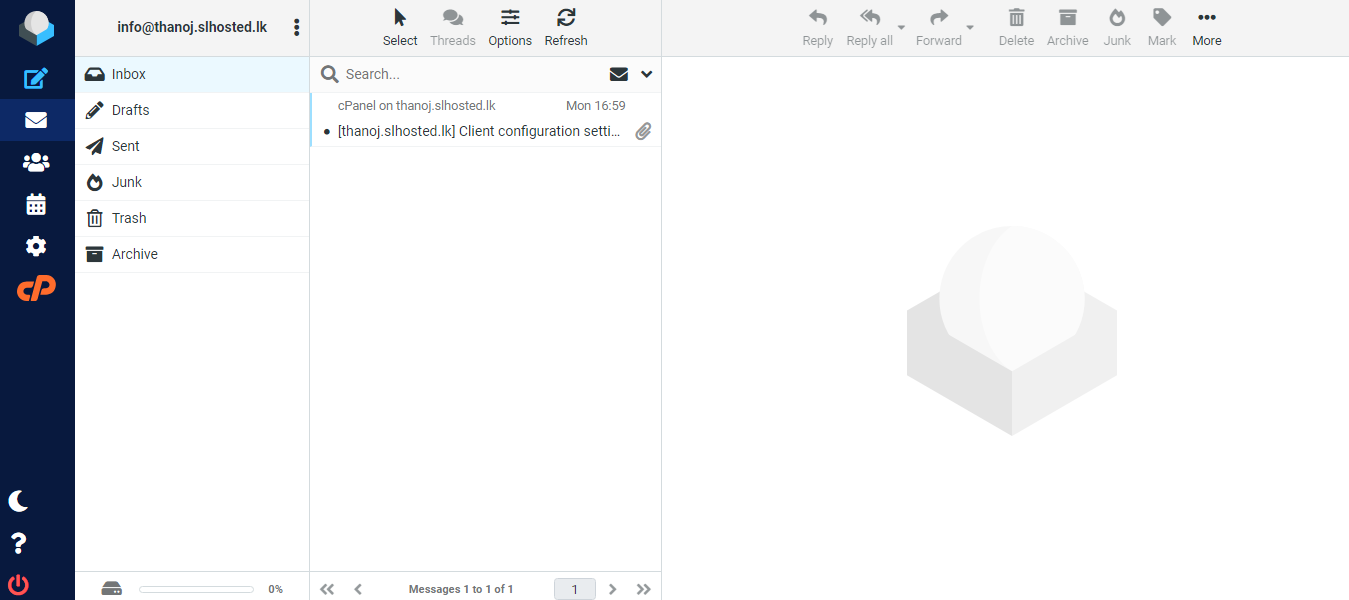
After that, you are correctly logged in to webmail as shown in the interface below