

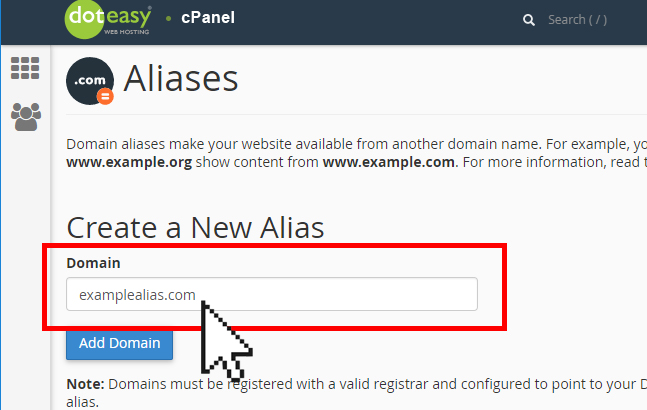
How Does a Domain Alias Work?
If we set up ggexample.org as an alias of ggexample.com,a visitor going to ggexample.org would land on the ggexample.com site. The ggexample.com domain would remain in the browser address bar. Essentially , we are pointing multiple domains to the same location.
Step 1: Log in to cPanel. Follow the link below for guidance.
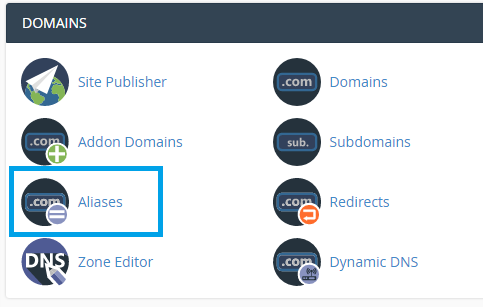
Step 2: In the Domains section, click the Aliases link or icon.
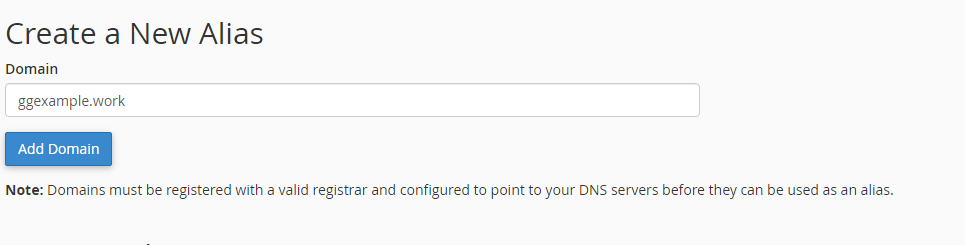
Step 3: In the Create a New Alias section, enter the alias domain name in the Domain field, then click the Add Domain button.
Removing or Redirecting a Domain Alias in cPanel
Scroll down to the Remove Aliases section.
To delete a Domain Alias
- In the Actions column, click the Remove link or icon.
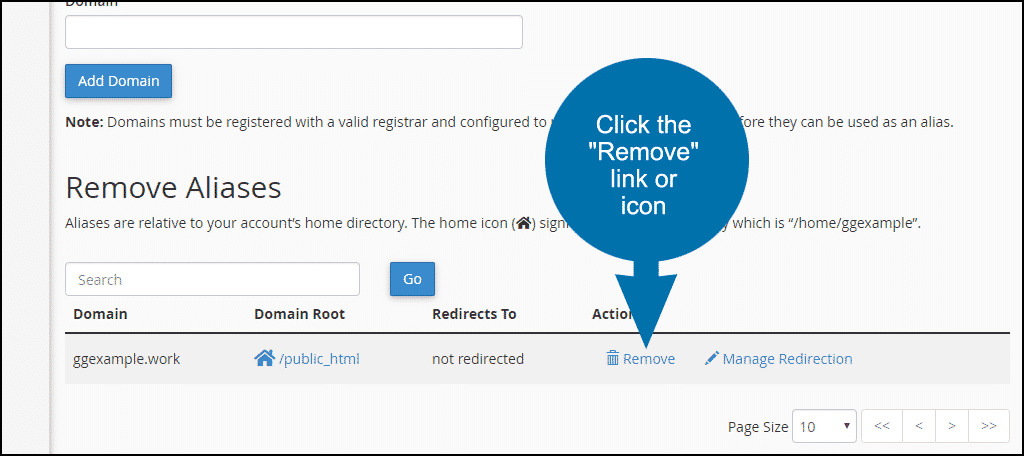
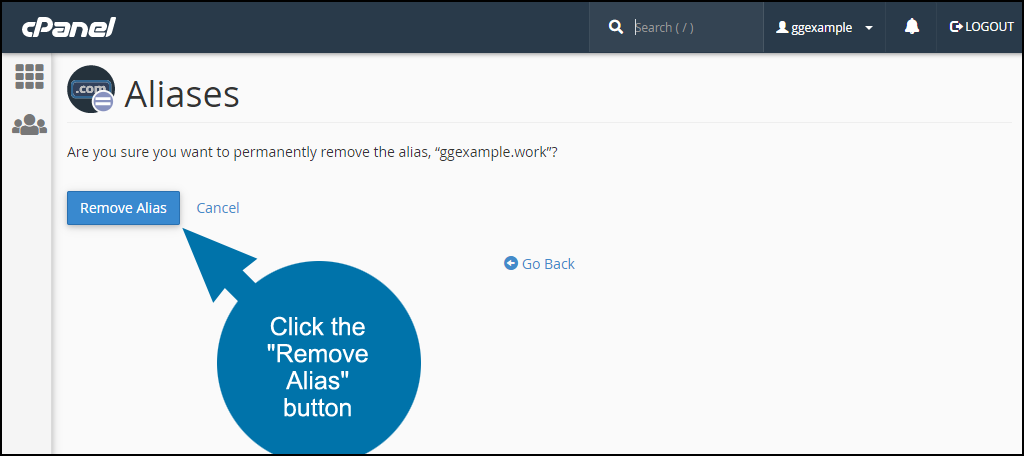
- On the next page, click the Remove Alias button.
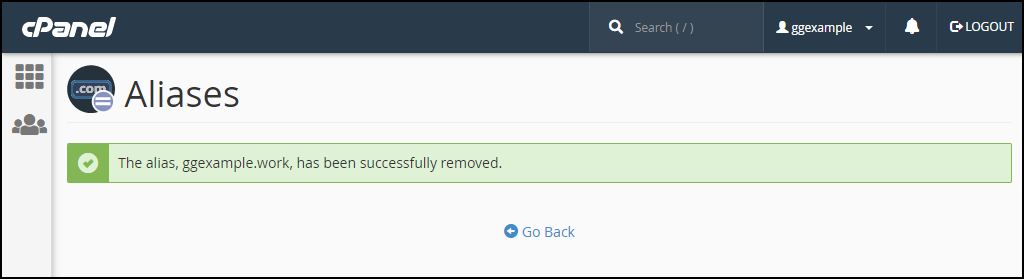
- When the domain alias has been removed you will see a success message.
To redirect a Domain Alias
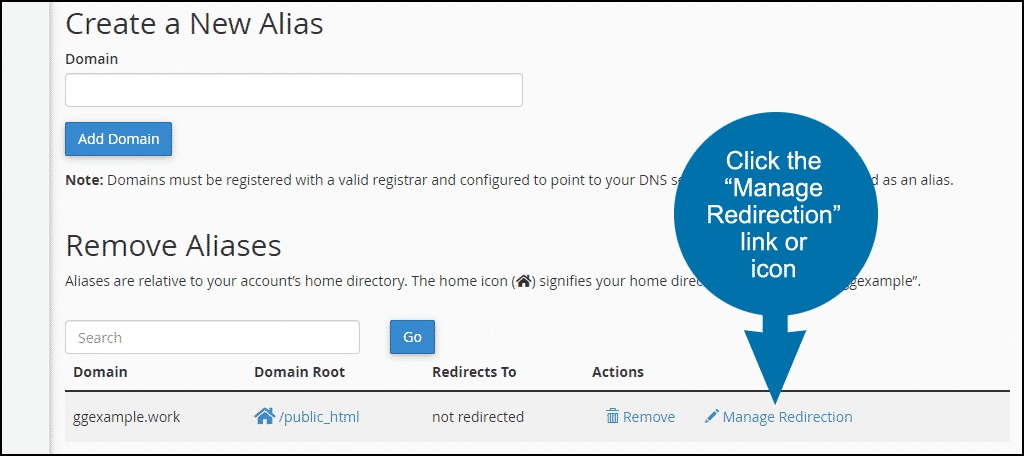
- If for any reason, you wish to redirect the Domain Alias, in the Actions column, click the Manage Redirection link or icon.
- In the Alias Redirection section, enter the new URL that you wish the Domain Alias to point to.
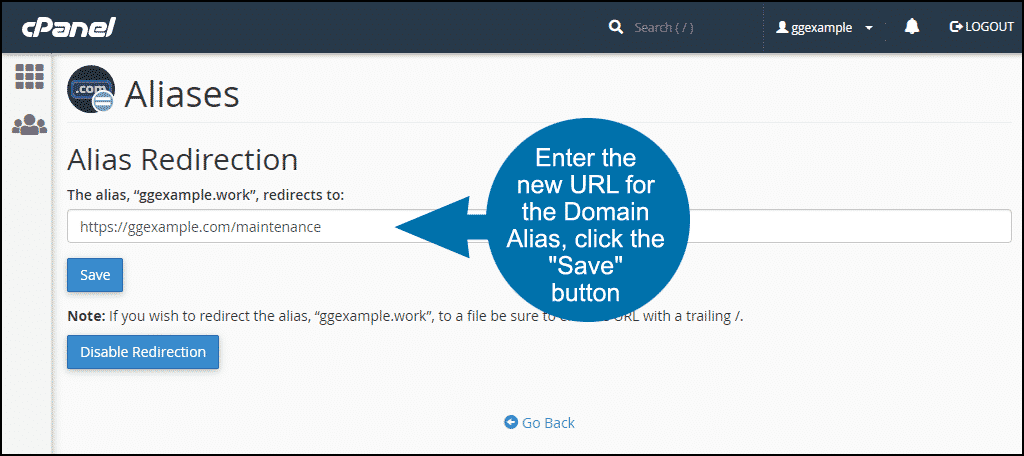
- Click the Save button.


