

Overview
The Remote Database Access feature in cPanel allows external servers (remote hosts) to connect to your MySQL® or MariaDB® databases securely.
This is useful when:
-
Your website or application is hosted on another server
-
You need to connect a billing system, shopping cart, or API
-
An external application requires database access
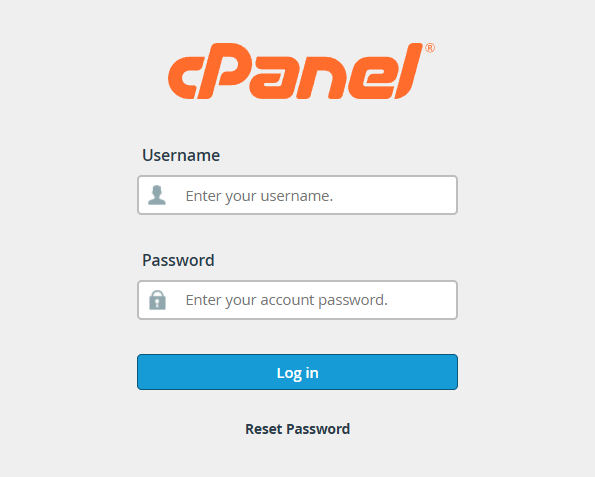
Step 1: Log in to cPanel
-
Open your web browser
-
Log in to your cPanel account using your credentials
Step 2: Open Remote Database Access
-
Scroll to the Databases section
-
Click Remote Database Access
.png)
Step 3: Add a Remote Access Host
Under the Add Access Host section, enter the following details:
Host
-
Enter the hostname, IPv4 address, or IPv6 address of the remote server
Examples:
- 203.94.12.45
-
server.example.com
Wildcard Usage: You may use the % symbol as a wildcard
Example: 192.168.0%
This allows access from all IP addresses that start with 192.168.0
Important: When using IP ranges, you must follow MySQL account-naming rules.
Comment (Optional)
-
Enter a short description to identify the remote host
-
Maximum length: 255 ASCII characters
Examples:
- Billing Server
-
Application Server
.png)
-
Click Add Host
-
A success message will appear once the host is added
Step 4: Manage Existing Access Hosts
The Manage Access Hosts section displays all remote hosts that currently have database access
.png)
Edit a Host Description
-
Locate the host in the list
-
Update the description in the Comment field
-
Click Update
-
A success confirmation message will appear
Remove Remote Database Access
To deny database access from a remote host:
-
Click Delete next to the hostname or IP address
-
Confirm the action when prompted
-
Click Remove Access Host
The remote server will no longer be able to connect to your database.
.png)
Security Best Practices
-
Allow only trusted IP addresses or hostnames
-
Avoid using wildcards unless absolutely necessary
-
Remove access when it is no longer required
-
Contact your hosting provider if you see unknown IPs or hostnames


