How to Choose the Right Type of WordPress Theme for Your Website
Feb 12, 2026
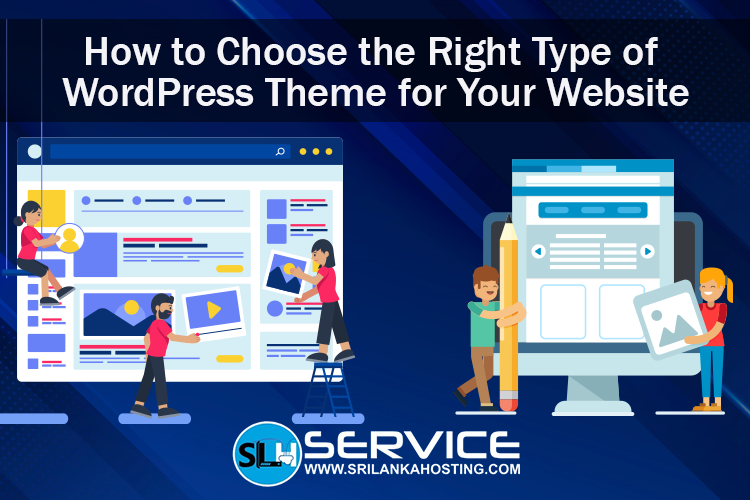
Choosing the right WordPress theme is one of the most important steps when building your website. The theme decides how your website looks, how it works, and how visitors feel when they use it. If you choose it well, your site will look professional, load quickly, and be easy to use. If you choose it poorly, visitors may leave quickly and your site may not work the way you want.
Here’s a simple guide to help you choose the best WordPress theme for your site.
1. Think About What Your Website Is For
Before choosing a theme, decide what kind of website you are building. Is it
a blog, a business site, a portfolio, or an online store? Each type needs a
theme that fits its purpose.
For example:
-
A blog needs a theme that highlights text and easy reading.
-
A shop needs a theme that works well with WooCommerce and product pages.
Choosing a theme that fits your site’s purpose will make it easier to use and look right to visitors.
2. Pick a Theme That Works on All Devices (Responsive)
3. Check for Speed and Performance
A slow website frustrates visitors and can hurt your search ranking in Google. Choose a lightweight theme that loads fast. Avoid themes with too many built‑in features you don’t need because they can slow down your site.
4. Make Sure the Theme Is Reliable and Supported
A good theme should be updated regularly and supported by the developer.
Why this matters:
-
WordPress updates often — a theme that isn’t updated may stop working or cause bugs.
-
If you have problems, good support helps fix them quickly.
You can find themes in trusted sources like the official WordPress theme directory, which has thousands of safe and regularly updated themes.
5. Look for Compatibility with Plugins
Most WordPress sites use plugins for extra features like contact forms or SEO tools. Before choosing a theme, check that it works well with popular plugins like Yoast SEO or WooCommerce if you plan to sell products.
6. Choose a Theme That Matches Your Style and Brand
Your website design should reflect your brand. Look for a theme with colors, layout, and fonts that match your business style. This builds trust and makes your site look professional.
7. Try Before You Buy or Install
8. Use Good WordPress Hosting Too
Choosing the right theme is just part of building your site. Your website also needs strong hosting so it stays fast and secure. Providers like srilankahosting.lk offer WordPress hosting plans that make it easy to install WordPress with one click and keep your site running smoothly.
Conclusion
Choosing a WordPress theme doesn’t have to be hard.
Just remember:
- Know your website’s goal
- Pick a responsive, fast theme
- Make sure it’s updated and supported
- Check plugin compatibility
- Choose a look that fits your brand
With the right theme and good hosting from services like srilankahosting.lk , your WordPress website will look great, work well, and help your business grow