
How to Add Custom Fonts to Your WordPress Website
Apr 7, 2026
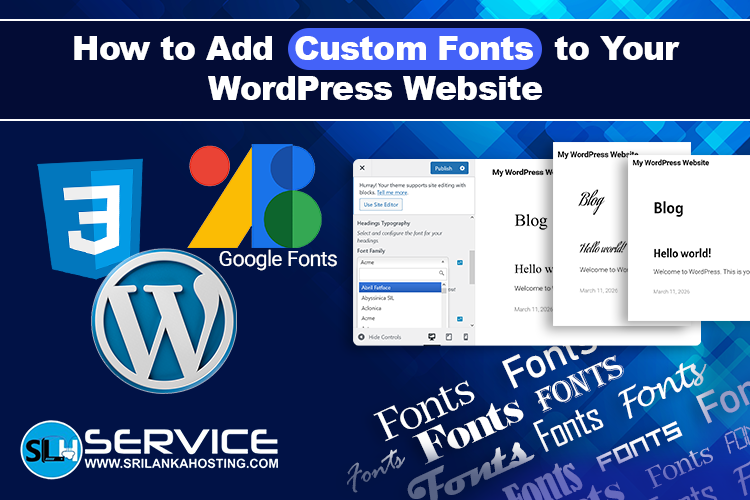
Custom fonts can make your WordPress website look unique and professional. Instead of using standard fonts, you can add fonts that match your brand style. Here is a simple guide to add custom fonts to your WordPress site.
1. Use a WordPress Font Plugin
The easiest way to add custom fonts is by using a plugin. Some popular plugins are:
- Easy Google Fonts – lets you add Google Fonts easily
- Custom Fonts – allows you to upload your own font files
Steps:
- Go to your WordPress dashboard → Plugins → Add New
- Search for the plugin (e.g., Easy Google Fonts)
- Install and activate the plugin
- Follow the plugin instructions to add your custom font
2. Upload Fonts via Theme’s Customizer
Some WordPress themes allow you to add custom fonts directly.
Steps:
- Go to Appearance → Customize → Typography or Fonts
- Look for an option to add new fonts
- Upload your font file (usually .woff or .ttf)
- Apply the font to headings, paragraphs, or other sections
3. Add Fonts Manually via CSS
If your theme does not support plugins or custom fonts, you can add fonts using CSS.
Steps:
- Upload the font file to your WordPress → Media Library or via FTP
- Go to Appearance → Customize → Additional CSS
- Add code like this:
        @font-face {
        font-family: "CustomFont";
        src: url("URL-of-your-font-file.woff") format("woff");
        }

        body {
        font-family: "CustomFont", Arial, sans-serif;
        }
Replace "CustomFont" with your font name and URL with your font file link
4. Use Google Fonts
Google Fonts are free and easy to use.
Steps:
- Go to Google Fonts and choose a font
- Copy the font embed code
- Add the code to your WordPress → Appearance → Customize → Additional CSS or header.php file
- Apply the font to your website using CSS
5. Tips for Using Custom Fonts
- Always choose web-safe and optimized fonts to keep your website fast
- Limit the number of custom fonts to 2–3 for better performance
- Test your fonts on mobile and desktop to ensure readability
Conclusion
Adding custom fonts can improve your website’s design and brand identity.
Whether you use a plugin, Google Fonts, or manual CSS, WordPress makes it
easy to customize fonts. For reliable hosting to keep your WordPress website fast and secure, check
out, Sri Lanka Hosting
WordPress Care Plans