4 Powerful Code Editors Every Web Developer Should Know About
Mar 31, 2026
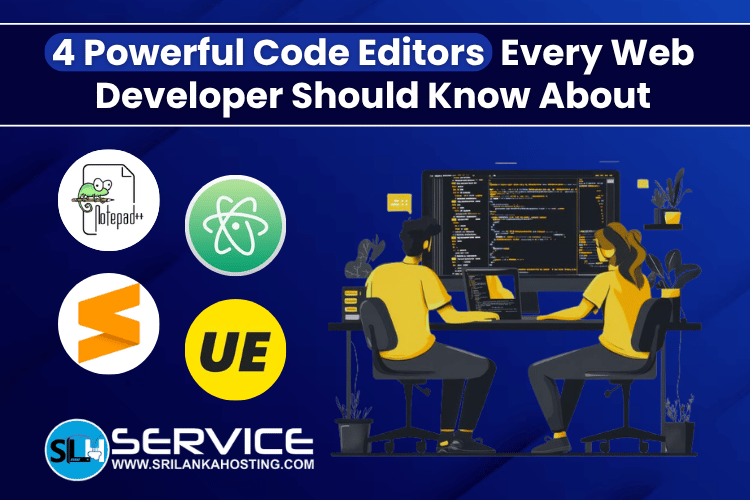
Choosing the right code editor is very important for any web developer. Whether you are building websites for work or learning coding for fun, a good editor can make your work faster, easier, and more comfortable. Today, there are many code editors available. Each one comes with different features like syntax highlighting, auto-completion, extensions, and customization options. The best choice depends on what you need and how you like to work.
In this article, we will look at 4 powerful code editors every web developer should know about.
What Is a Code Editor?
A code editor is a software tool that helps you write and edit code. It is designed to make coding easier by showing your code in a clean format and helping you avoid mistakes.
Most modern code editors include:
- Syntax highlighting for better readability
- Auto-completion to save time
- Plugin or extension support
- Multi-file editing
- Custom themes and layouts
Now, let’s explore some popular and powerful code editors.
1. Notepad++
Notepad++ is a simple and lightweight code editor. It is easy to use and works very fast, even on low-end computers. It looks similar to the basic Notepad tool in Windows, but it has many more features. You can also install plugins to add more functions.
Key Features:
- Syntax highlighting for many programming languages
- Clean and simple interface
- Auto-completion and code hints
- Supports multiple files at the same time
- Zoom in and out for better visibility
- Bookmark important lines of code
Best For:
This editor is best for beginners or developers who want a fast and simple tool without too many complex features.
2. Atom
Atom is a modern and flexible code editor. It is known for its clean design and high level of customization.
It also supports many plugins and themes, so you can change the look and features based on your needs. Atom can even work like a basic IDE if you install the right packages.
Key Features;
- Highly customizable with many themes
- Large collection of plugins
- Smart auto-completion system
- Supports many programming languages
- Available on Windows, Linux, and macOS
Best For:
Atom is a good choice for developers who like to customize everything and want a modern coding environment.
3. Sublime Text
Sublime Text is one of the most popular code editors among developers. It offers a good balance between performance, design, and features.
It is lightweight but still powerful. It also provides useful tools that help improve coding speed and productivity.
Key Features:
- Multi-line editing
- Distraction-free mode
- Fast switching between files and projects
- Customizable with packages and settings
- Clean and modern interface
Best For:
Sublime Text is ideal for developers who want a fast and smooth editor with useful features and a clean design.
4. UltraEdit
UltraEdit is a powerful and advanced code editor. It is known for handling large files and providing strong performance.
It also includes built-in support for tools like FTP and Telnet, which can be helpful for some developers.
Key Features:
- Handles very large files easily
- Advanced search features
- Smart code completion
- Customizable themes
- Built-in FTP and Telnet support
Best For:
UltraEdit is suitable for developers who work on large projects or need advanced features and strong performance.
How to Choose the Right Code Editor
Choosing the right code editor depends on your needs. Here are a few simple tips:
- If you want something simple and fast, choose a lightweight editor
- If you like customization, pick an editor with many plugins
- If you work on big projects, choose a powerful editor
- If you are a beginner, start with an easy-to-use tool
There is no perfect editor for everyone. The best editor is the one that helps you work comfortably and efficiently.
Conclusion
To recap:
- Notepad++ is simple and lightweight
- Atom is modern and highly customizable
- Sublime Text offers a good balance of speed and features
- UltraEdit is powerful and handles large files well
Take your time to try different editors and find the one that suits you best.