How to Protect Your WordPress Site Against Brute Force Attacks
May 5, 2026
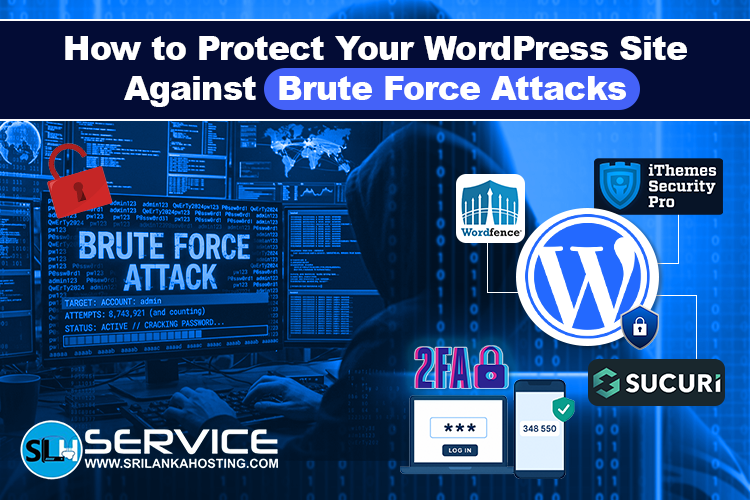
WordPress is one of the most popular website platforms in the world. Because of this, it is also a common target for hackers. One of the most common threats is a brute force attack, where attackers try many password combinations to break into your site. The good news is that you can protect your website easily with the right steps. This guide explains simple ways to secure your WordPress site.
What Is a Brute Force Attack?
A brute force attack is when hackers use automated tools to try thousands of username and password combinations until they find the correct one.
They usually target:
- Admin login pages
- Weak passwords
- Default usernames like “admin”
If successful, they can access your website and cause serious damage.
1. Use Strong Passwords
The first and most important step is using strong passwords.
A strong password should:
- Be long (12+ characters)
- Include letters, numbers, and symbols
- Avoid personal information
Example of a weak password: admin123
Example of a strong password: X9@kP2!zL7#q
You can also use a password manager to store secure passwords safely.
2. Change Default Login URL
By default, WordPress login pages are easy to find (like /wp-admin).
You can improve security by:
- Changing the login URL
- Using security plugins that hide login pages
This makes it harder for attackers to find your login page.
3. Limit Login Attempts
One of the best protections is limiting login attempts.
This means:
- After a few failed attempts, the user gets blocked
- Bots cannot keep trying passwords
You can use plugins like:
- Limit Login Attempts Reloaded
- Wordfence Security
This is very effective against brute force attacks.
4. Enable Two-Factor Authentication (2FA)
Two-factor authentication adds an extra layer of security.
Even if someone gets your password, they still need:
- A code from your phone
- Or an authentication app
This makes it much harder for hackers to access your site.
5. Use a Security Plugin
Security plugins help protect your entire website.
Popular options include:
- Wordfence Security
- iThemes Security
- Sucuri Security
These plugins help with:
- Firewall protection
- Malware scanning
- Login security
- Real-time alerts
6. Keep WordPress Updated
Outdated websites are easy targets.
Always update:
- WordPress core
- Themes
- Plugins
Updates fix security problems and improve protection.
7. Use a Web Application Firewall (WAF)
A firewall blocks suspicious traffic before it reaches your website.
It helps:
- Stop bots
- Block hacking attempts
- Protect login pages
Many hosting providers include firewall protection by default.
8. Monitor Your Website Regularly
Monitoring helps you detect attacks early.
You should check:
- Login activity
- Security alerts
- Unusual traffic patterns
Early detection can prevent serious damage.
Final Thoughts
Brute force attacks are a serious threat, but they are easy to prevent with the right security steps. Using strong passwords, limiting login attempts, enabling 2FA, and keeping your site updated can protect your WordPress website effectively.